 Product photography · With or without Shopify
Turn your product photos into professional shoots.
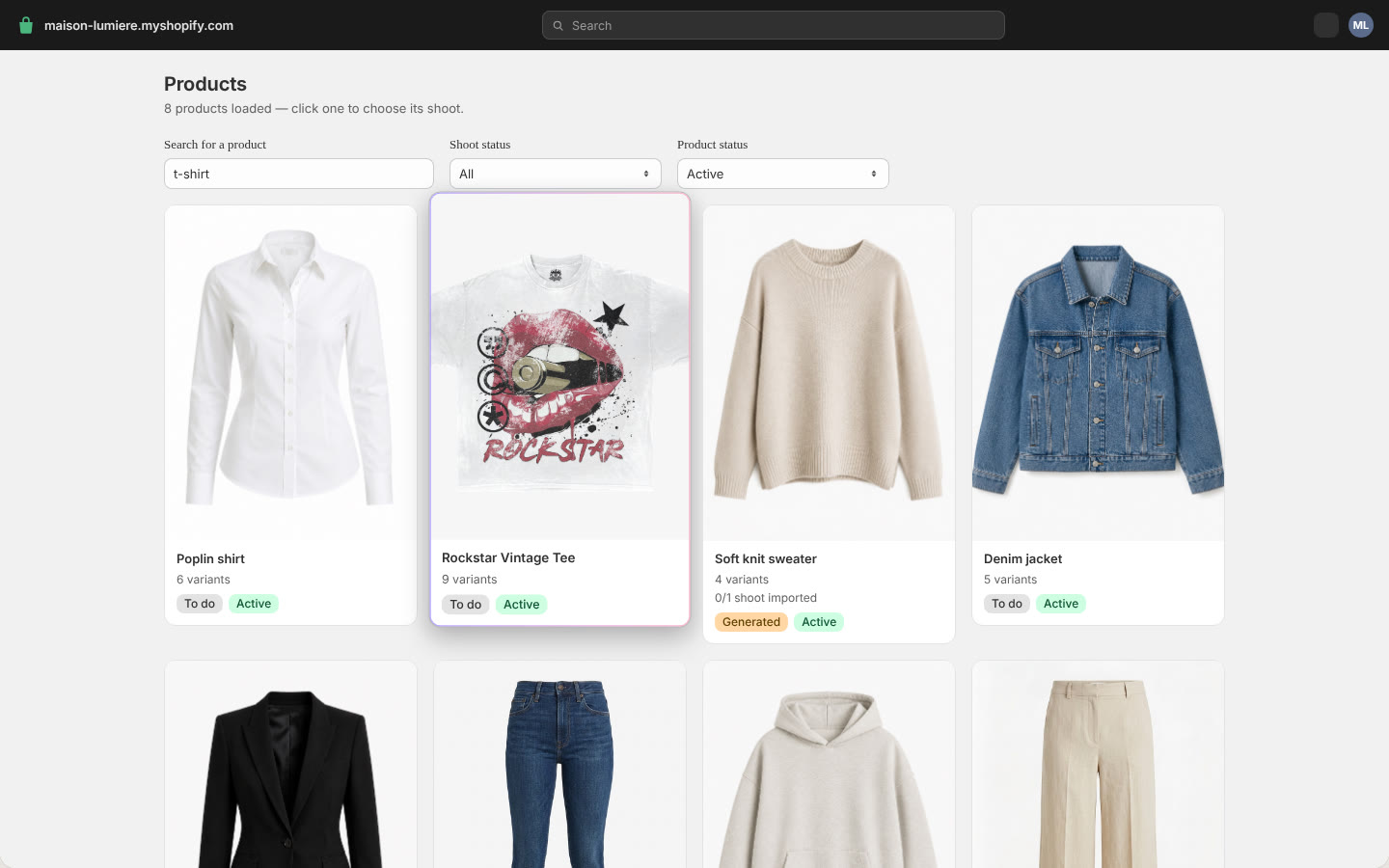
In a few clicks, from the photos already on your product pages.
- Works with Shopify
- No photoshoot needed
- Use your own model
- Made for fashion
- Ready in minutes
- Colours kept exact
- Publish to Shopify
- No manual upload
- 10 photos free to try
- Ten framings
- Eleven backdrops
- Every variant covered
Before / after
From packshot to photoshoot.
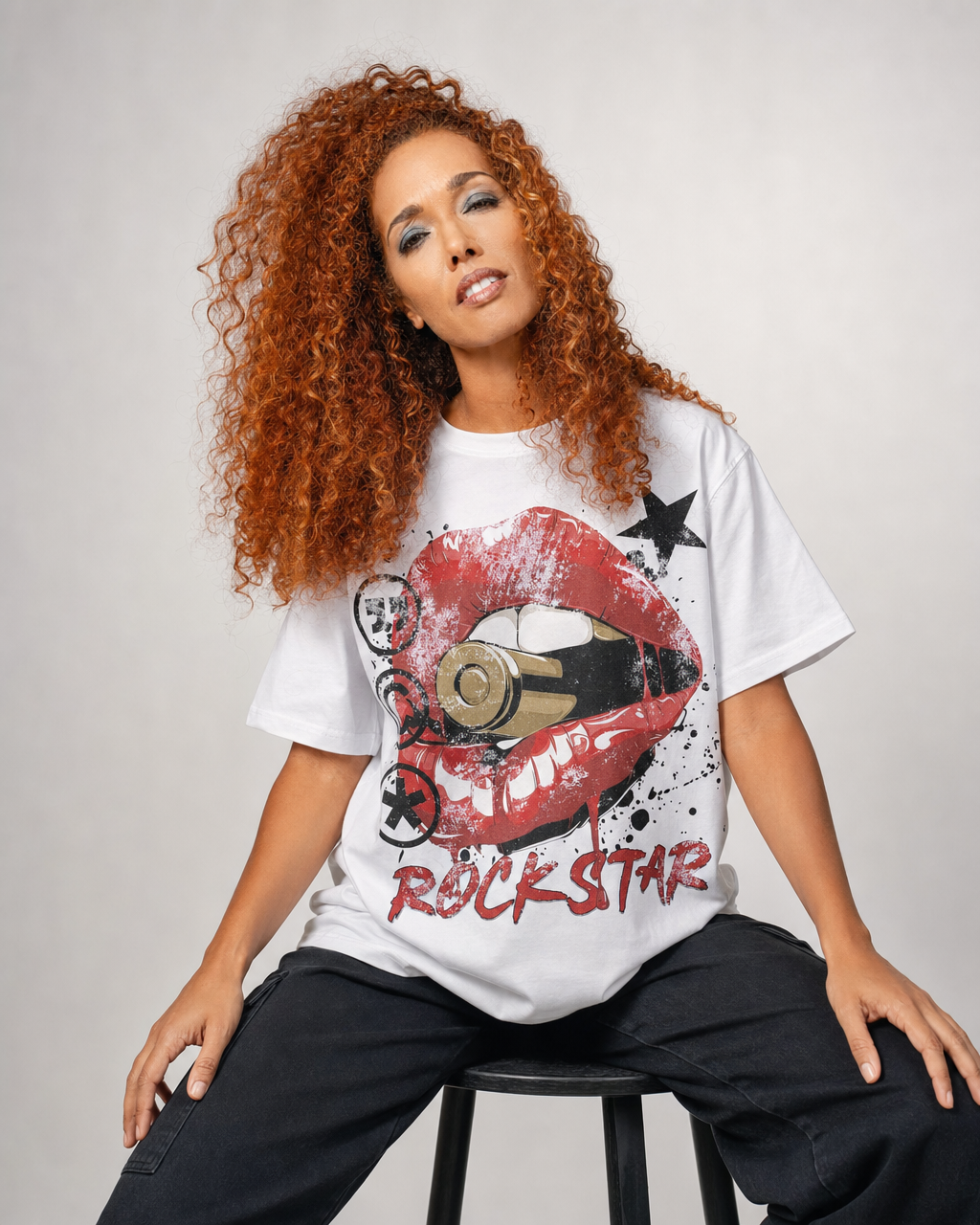
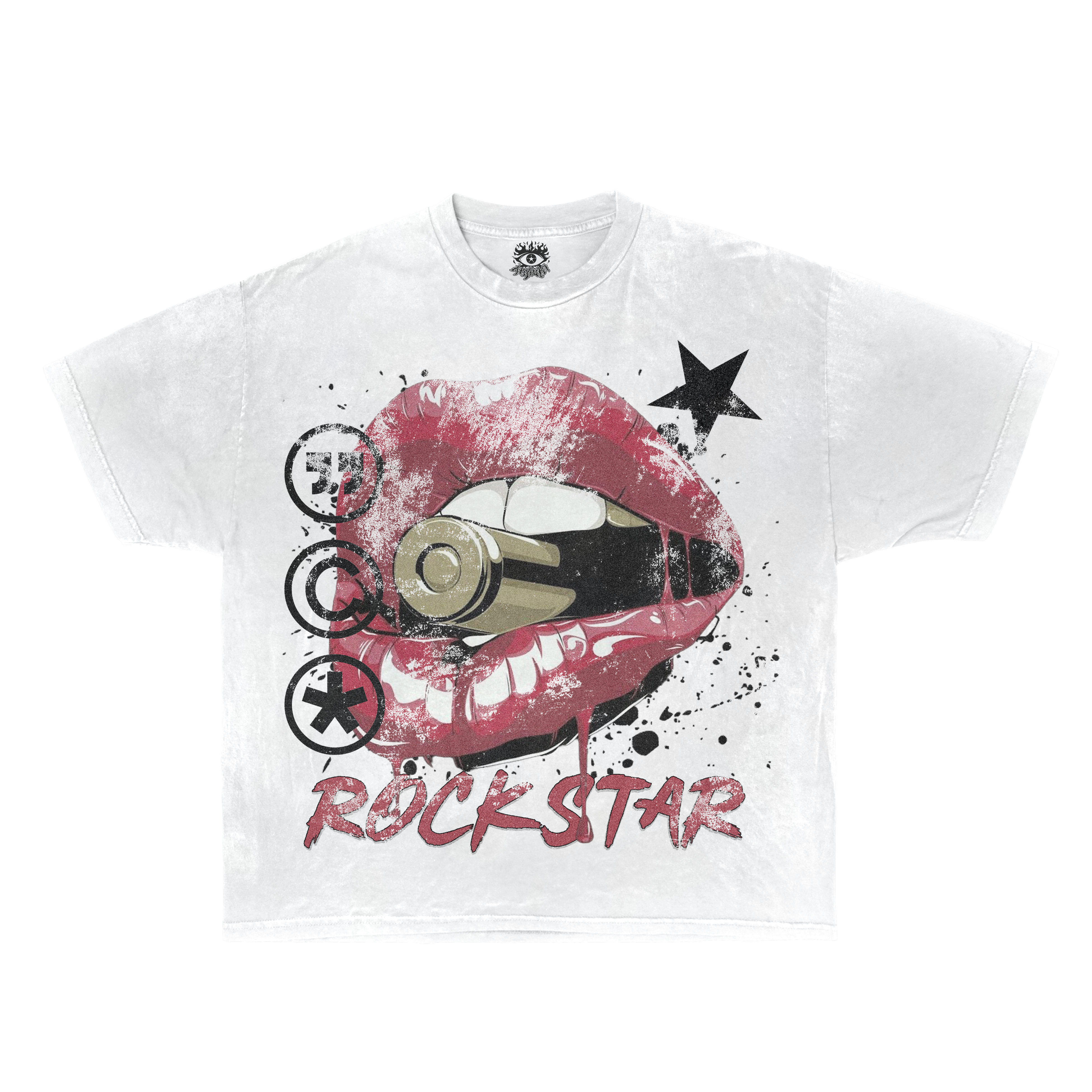
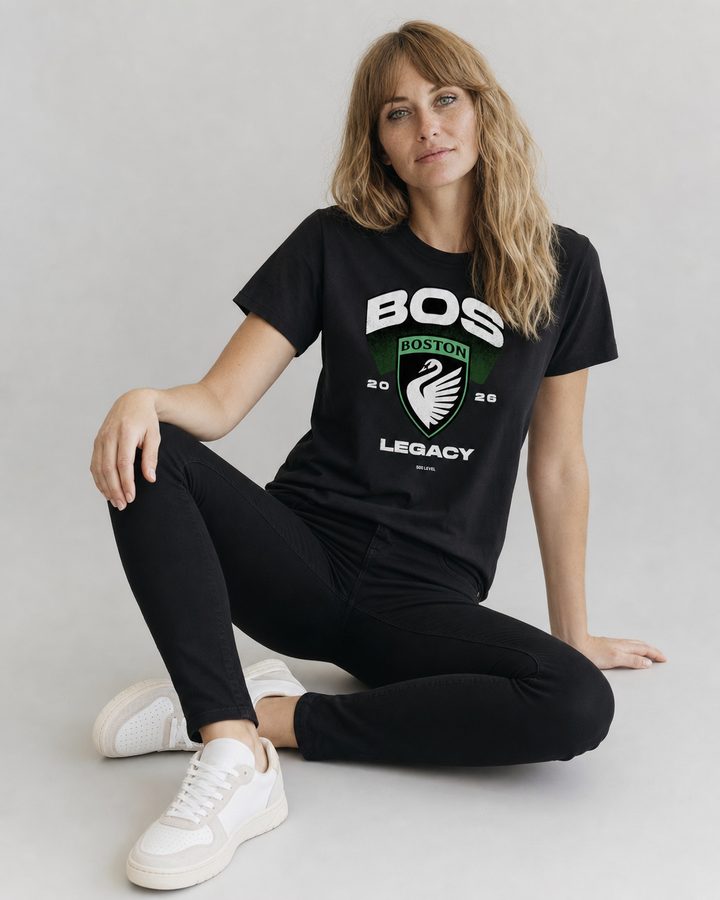
The same t-shirt, the same white — all that is added is someone wearing it.
- Same garment, same colour, same print
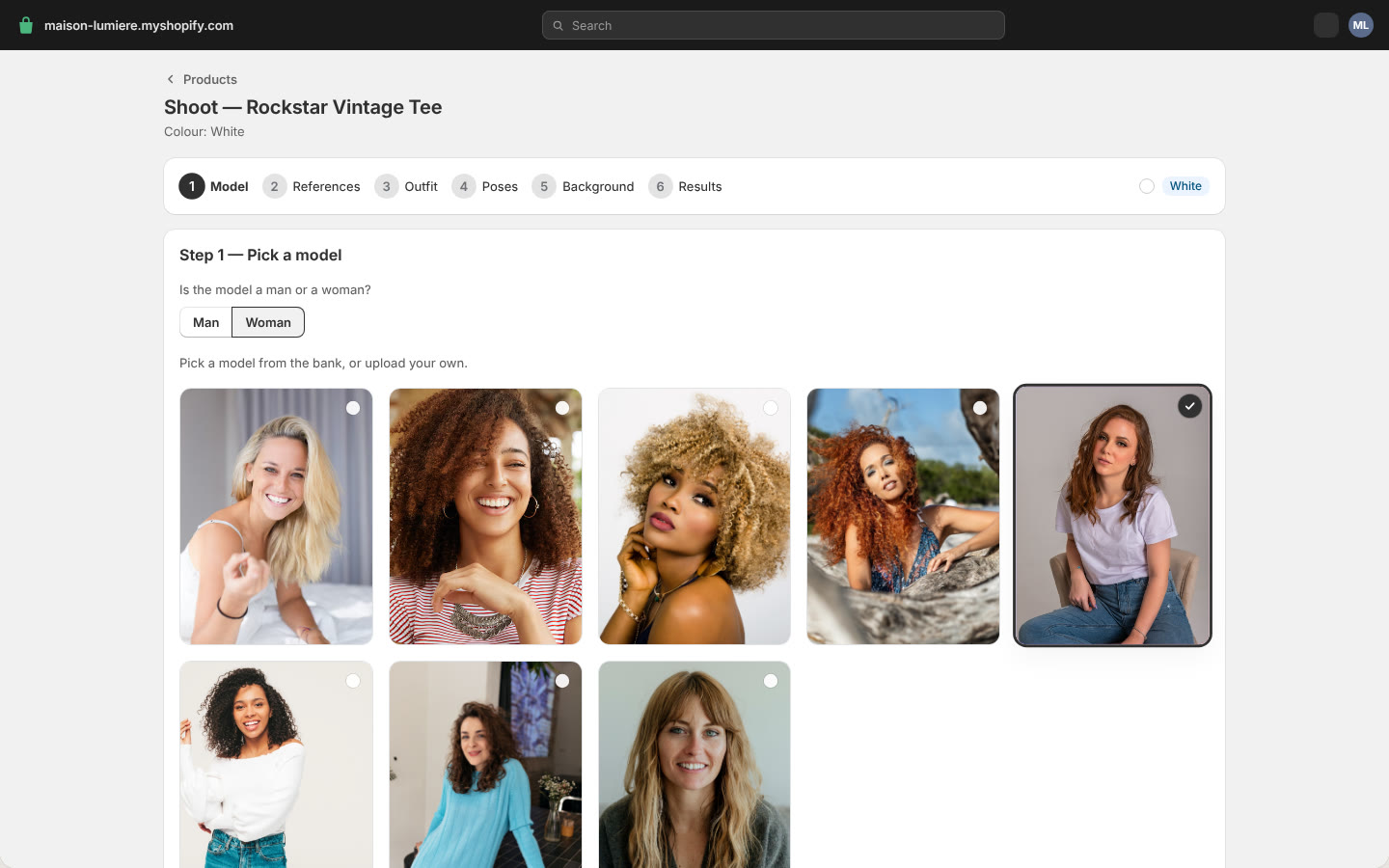
- A model from the bank, or your own
- Ten framings and eleven backdrops to pick from
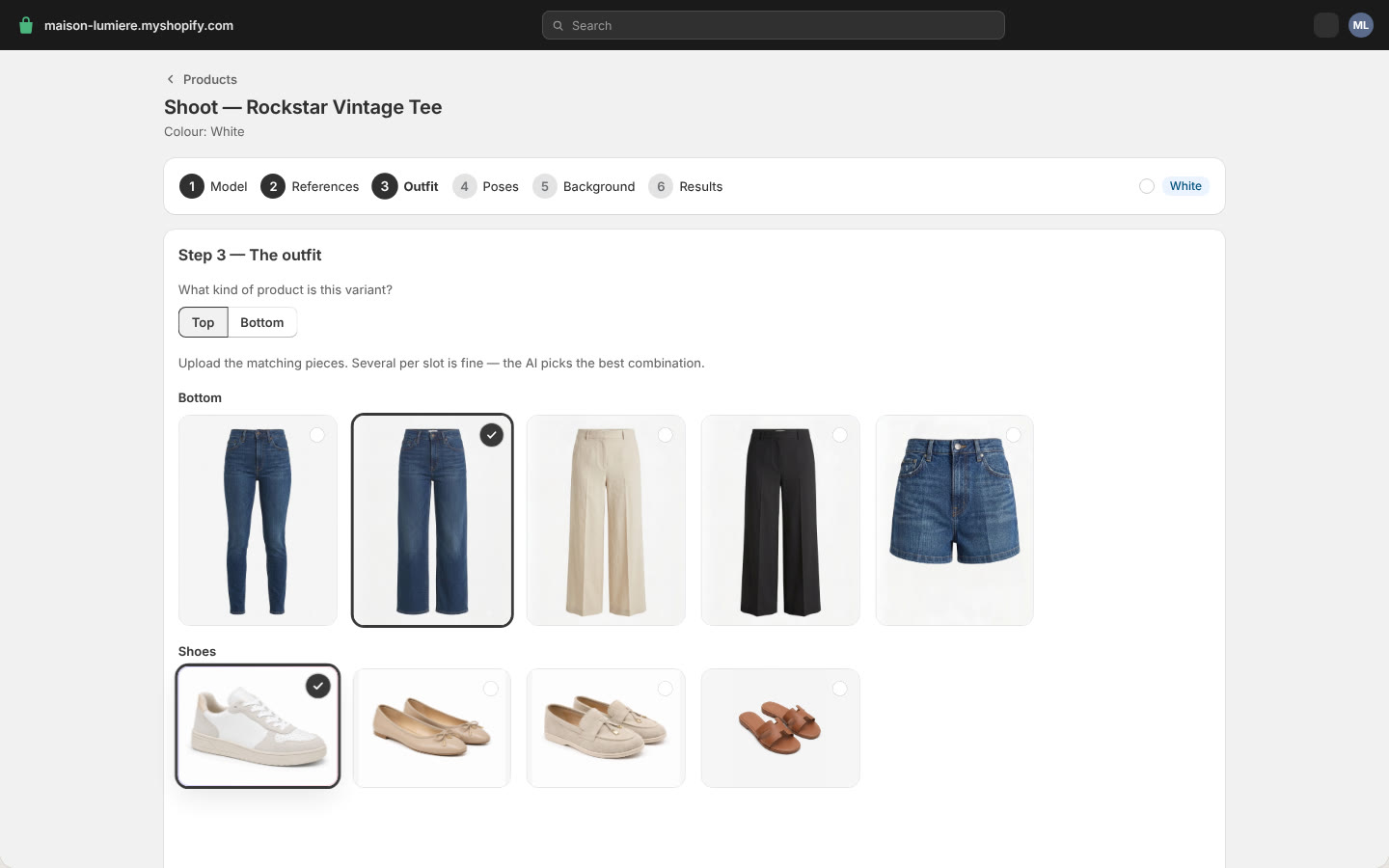
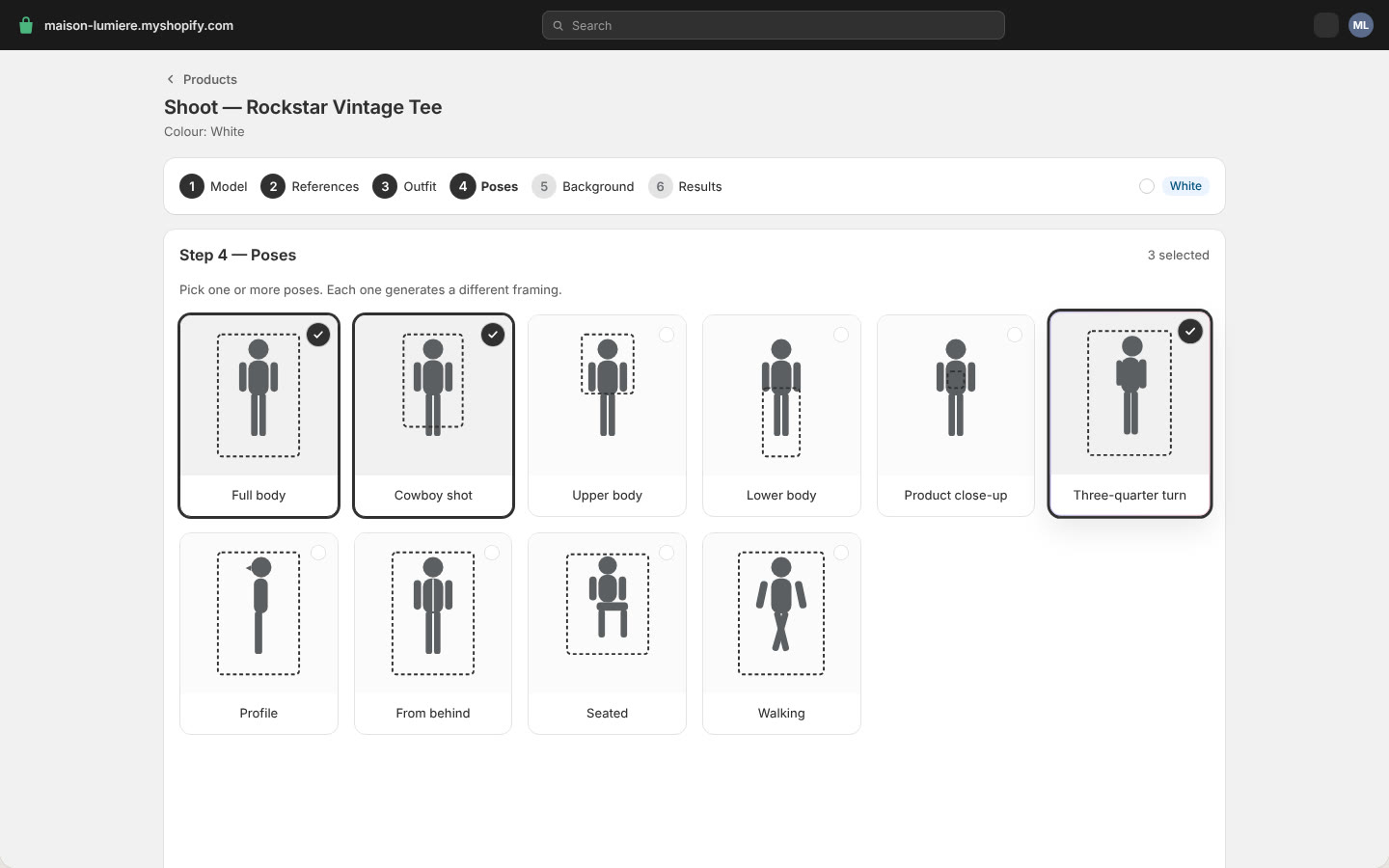
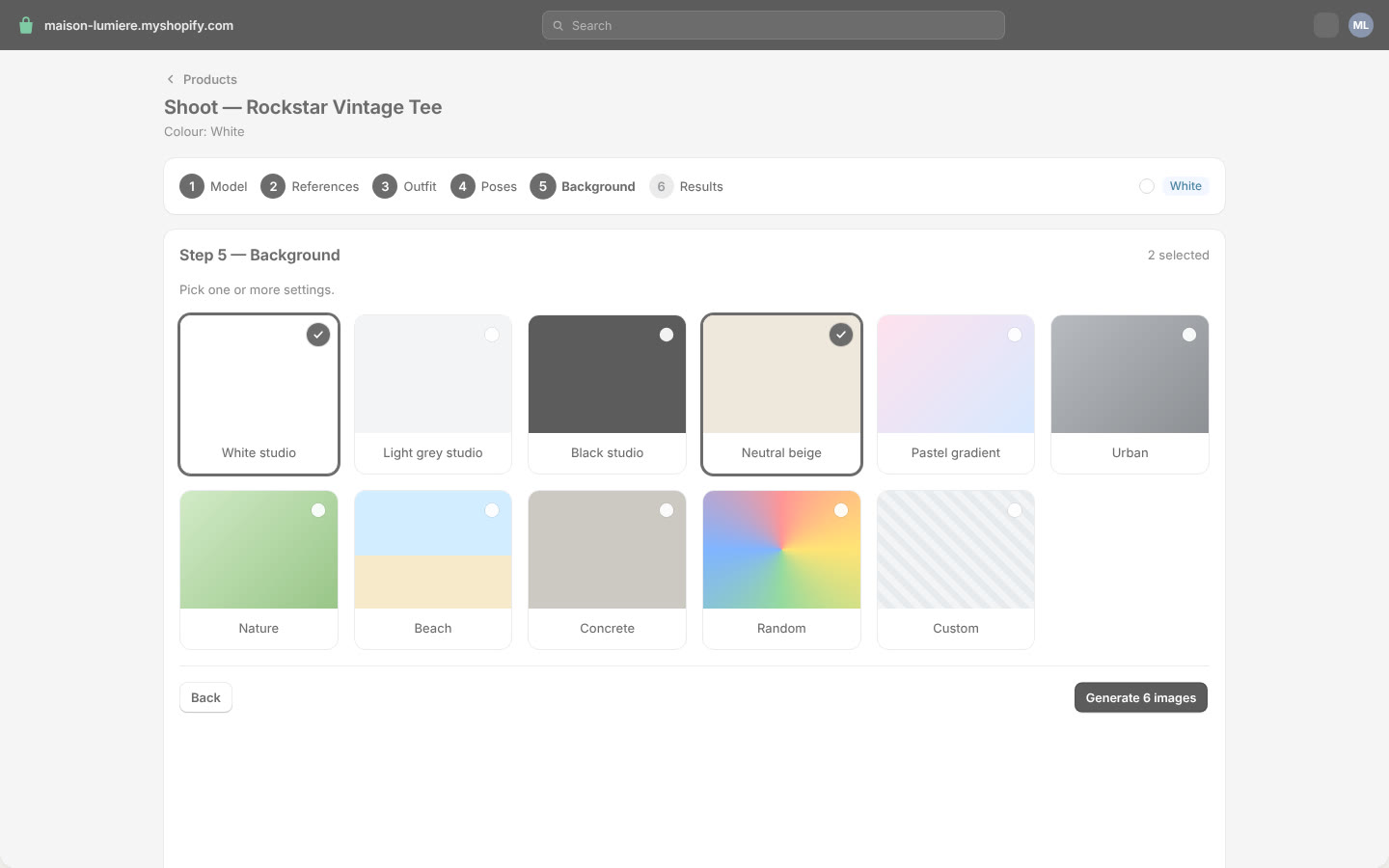
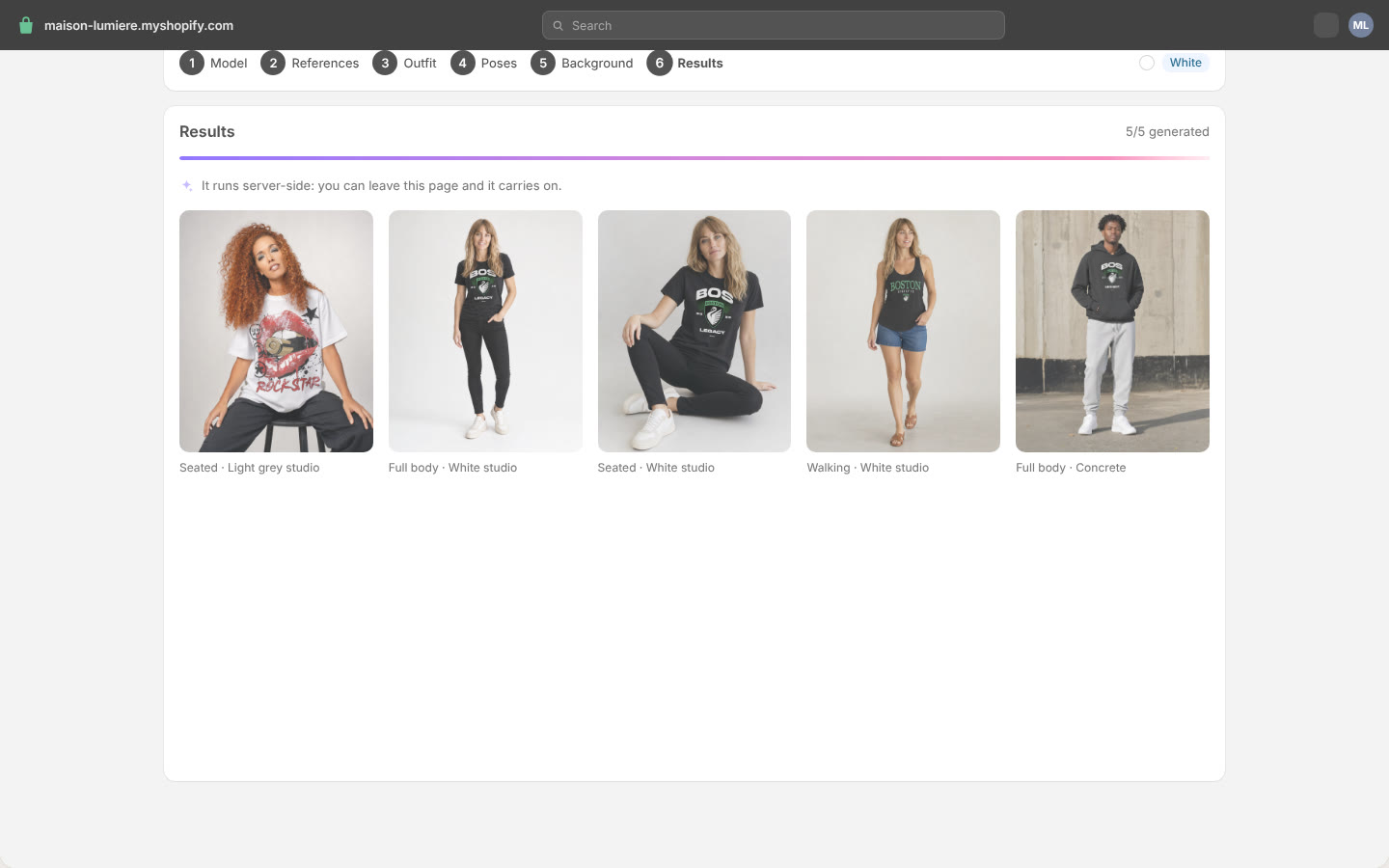
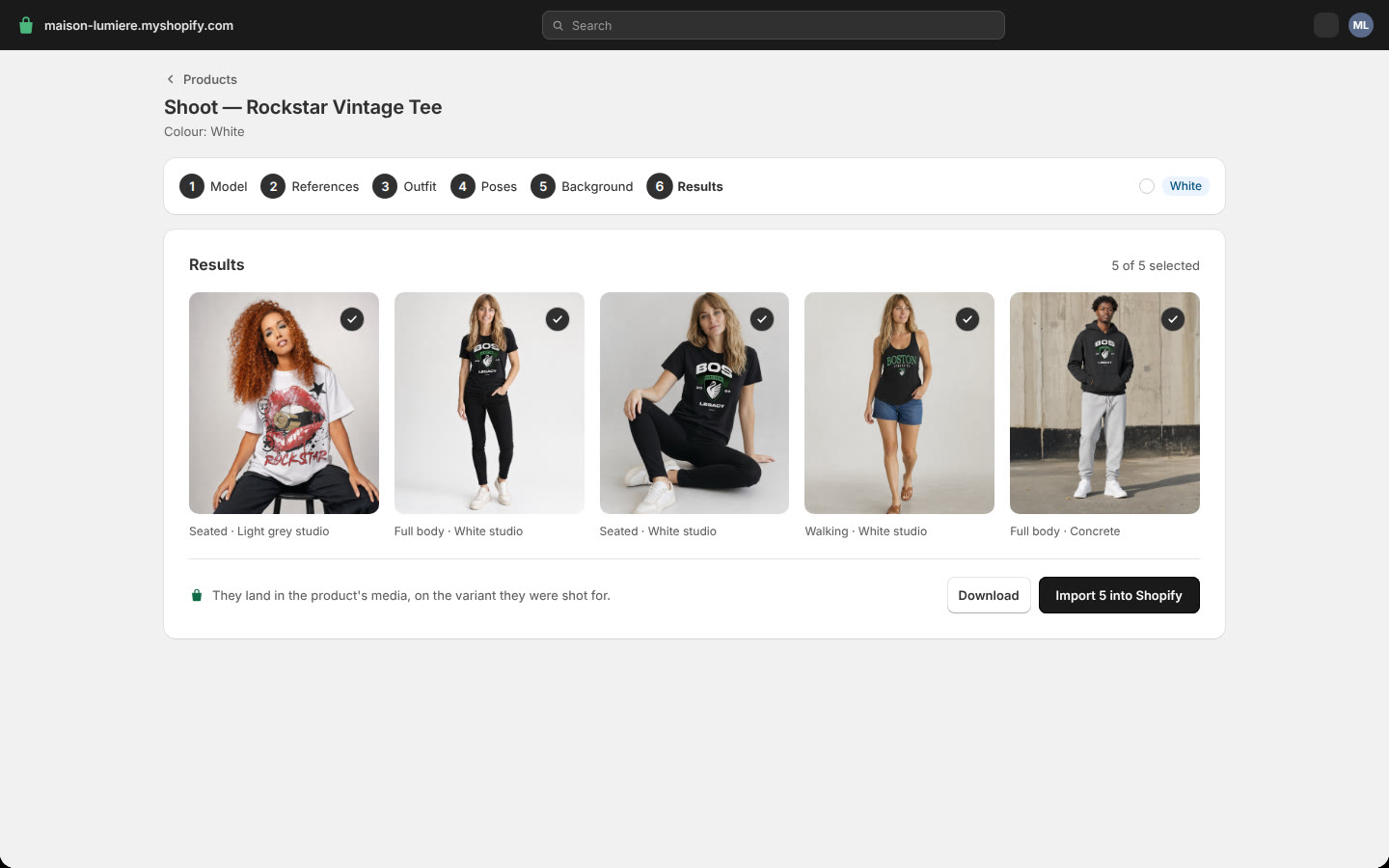
Made with the app
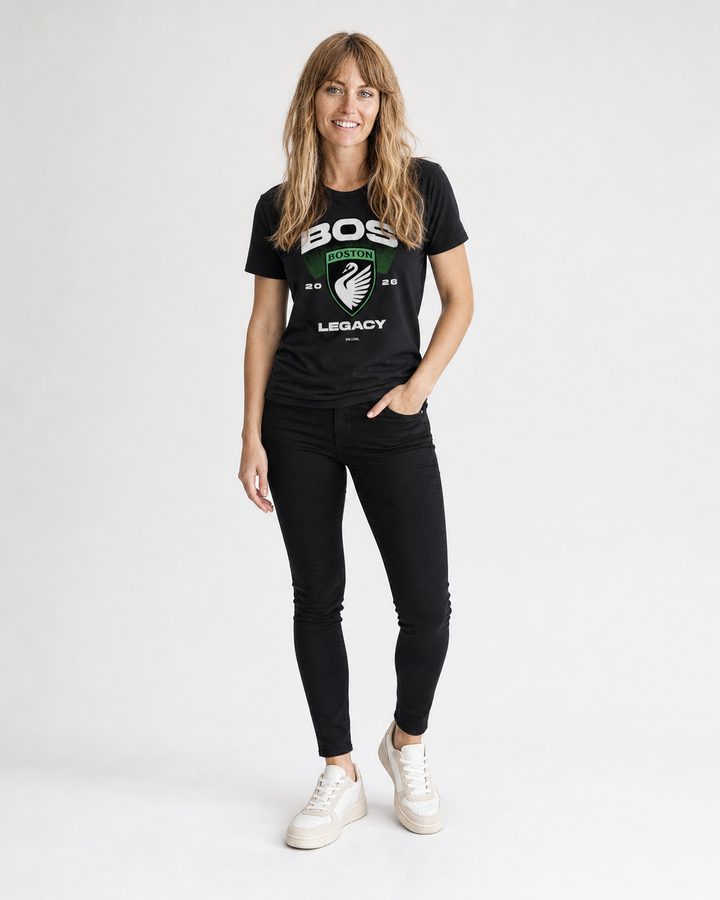
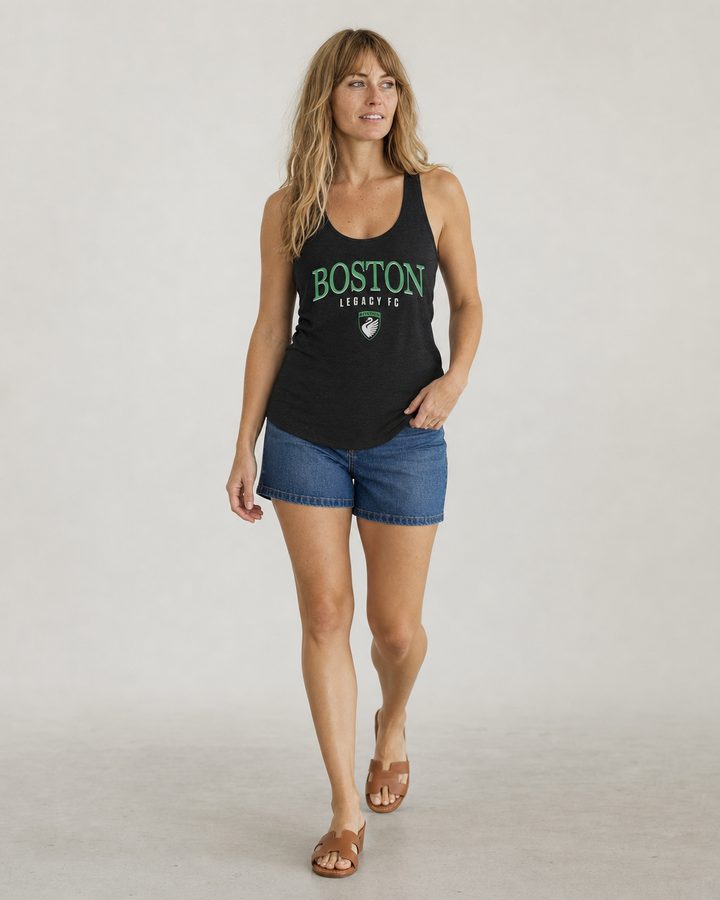
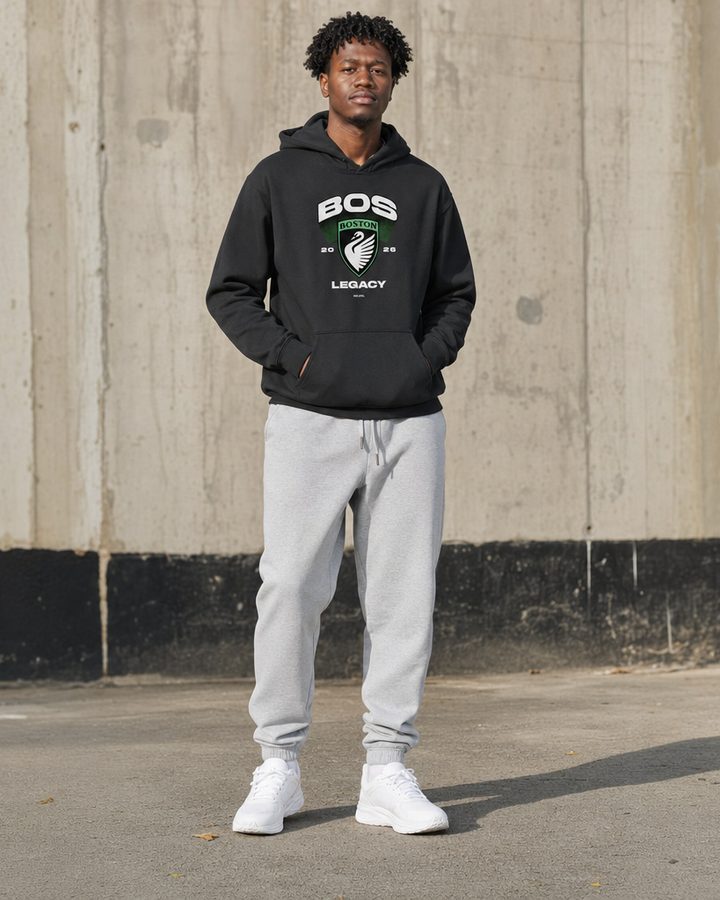
One catalogue, every look.
Studio white, concrete, seated, walking — from the photos already on the product page.
Data & compliance
Your products, your images, nothing else.
- No customer data
No buyer identity, no order, no payment, no delivery address. Permissions are limited to products and files.
- Erased after uninstall
Token and settings deleted immediately, shop data erased 48 hours later, with nothing for you to do.
- Signed and encrypted traffic
HTTPS end to end, Shopify notifications authenticated by cryptographic signature and rejected when invalid.
- Partitioned per shop
A shop's data is reachable only by authenticated sessions of that shop. Privacy policy
Frequently asked questions
Another question? Write to us — a person answers. contact@chloy-buff.fr
Do I need perfect product photos to start?
No. The app starts from the photos already on your product pages — packshot, flat lay, worn shot. The more readable the colour and the cut, the more faithful the result, but a studio is not required: that is precisely what it replaces.
Might the AI change the colour of my products?
That is the problem the app is built to remove. The photos of the selected colour are sent to the model as reference files, and every instruction ends with a fidelity constraint: do not alter hue, saturation, pattern or contrast, and let the product's real colour win over lighting and setting. Logos, text and stripes have their own rules.
Can I use my own model?
Yes. Upload their photo and it becomes the appearance reference — face, build, skin, hair. Pose, framing and setting are recomposed for every photo: the model never reproduces the posture of the photo you supplied.
How do the photos get into my shop?
In one click. A photo you keep is imported into the product's media gallery, and can be made the photo Shopify shows for that colour. For that the app asks for read and write permissions on products and files, nothing else.
Does it work on products without a colour?
Yes. A product with no visual option is treated as a single shoot. And on a product that only varies by size, sizes are ignored: they change neither the reference photos, nor the instruction, nor the result.
What happens to my data if I uninstall?
The access token and the settings are deleted immediately. Forty-eight hours after uninstall, Shopify notifies us and all of the shop's data is erased: briefs, generated photos, history and settings. None of your customers' data is ever collected — no order, no payment, no address.
Ready to shoot
Your next collection deserves to be worn.
Create your account, add a product, start the first shoot right after.
Try it free — 10 photos on usNo card needed. With or without a Shopify store.
Works with Shopify